In today’s world it is vitally important to keep kids safe online. The internet can be a seedy environment for anyone. Between malware, predators, explicit content and internet trolls, parents can find themselves at a loss as they attempt to fend off every threat their children may face while online. These days younger and younger kids are using the internet for school, games and even homework. In fact, many children have devices with internet access of their own.
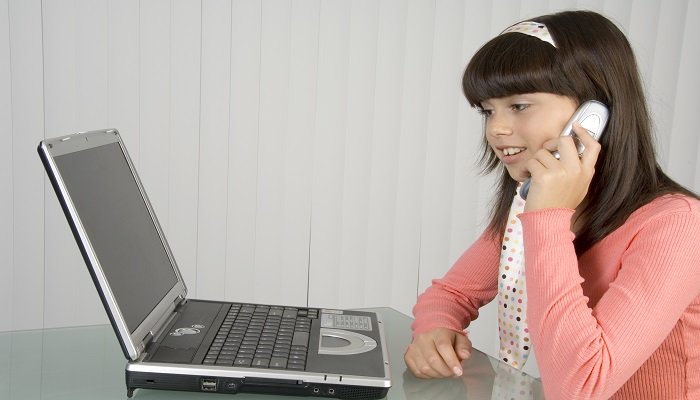
It is extremely important to keep kids safe online and there are several ways to do that.
Open Communication
As children get older the devices they use change as do their interests. As the parent, it is important to inform yourself about online risks your children may face and set clear boundaries that make sense. It is important to teach them responsible behaviour and critical thinking when online, just as you would in other aspects of their lives. Keep regular and open communication up with your children. Ask them who they talk to, what they do online, what sites they visit and what information they have been accessing.
Discuss the Basics
Set Passwords
Teach your children how to set strong passwords on their accounts and devices. It is important they don’t use the same password across all important accounts, change their passwords regularly and make them at least 8 characters long with a mix of symbols, numbers and letters. Make sure your children know they are never to share their passwords with anyone but you; not even their best friends.
Respect
Have a conversation early on with your kids about being responsible and respectful while online. Keep your conversations judgement free and don’t be confrontational. Always discuss your values when it comes to acceptable technology use.
Strong Privacy Settings
Privacy settings should always be at the highest possible setting for each site your children will be visiting. Make sure to check your browser’s security settings before your children use the internet.
Be Smart
Be Careful What You Share
Make it very clear that your children should not be sharing their personal information with anyone online in any manner. Let them know they are not to share their phone number, email address, full name, school or photos without first clearing it with you. Putting personal information online can leave your children open to bullies and others that wish to take advantage of them. Social networks, while they can be fun and a great way to connect with others, can also be a negative place. Just make sure that your children are aware that the internet can very well be forever and that information they post can be shared with anyone, even years down the road. Prior to creating a post on social media, message boards and more, your children need to consider what the post reveals, who can see it and how this information may be perceived in the present and the future.
Do Not Respond to Bullies
If someone is sending your children hurtful, disturbing or insulting messages through emails, text messages or social networks, they need to save the messages and then block the sender. Once that is done, they need to tell a trusted adult or parent. Cyber-bullying can have terrible consequences for the bullied child and lead to serious legal action for the person doing the bullying. Stop, block, tell is a good rule to live by.
Think Before You Click
Children should be aware that they should never click on links in messages from people they don’t know. They should never download files to computers or phones unless they are certain they are safe. It is also important to teach children what to look for when it comes to suspicious messages, phishing links and more.
Be Cautious
Children should be very aware that meeting someone off the internet is out of the question. The person they believe they are speaking to online may not be who they say they are and in fact could be someone dangerous with ill intentions. If someone is requesting information or other things that make your children uncomfortable, they need to come report it to you.
Be Informed
It can be difficult to keep up with your children and their internet use as parents, but just as you want to know where your children are when they are offline, it’s important to know where they are when they are online. It is important to maintain open communication with your children. Parental controls placed on all devices can keep you informed as well.
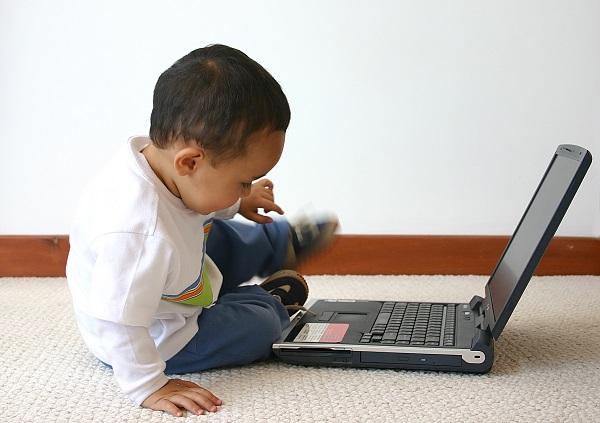
To keep kids safe online should be your number one goal when you first allow them access to the internet. Share your concerns with them gently. Always keep lines of communication open and pay close attention to the way your children behave. It is a good idea to educate, install parental controls and make sure your children are aware of what is acceptable and what isn’t acceptable when it comes to their online behaviour.
How old were your children when they first stared to use the internet? Do you have any tips on how to keep kids safe online?
FT&PD
Suz
**Please check out our other Parenting 101 posts and share your ideas with us!
**If you would like me to review your product, service, restaurant or travel destination, please send me an email at rudges2@gmail.com or tweet me at @MapleMouseMama.
Certainly an excellent post. Thanks for sharing !
Great post thanks sometimes we all need a reminder .
Great information! I have shared with my friends.
Great info to share. I worry about the kids online. I hardly feel safe myself out there!!
Thanks for the tips! Great info to read as my older one is starting to show interest in using the computer.